
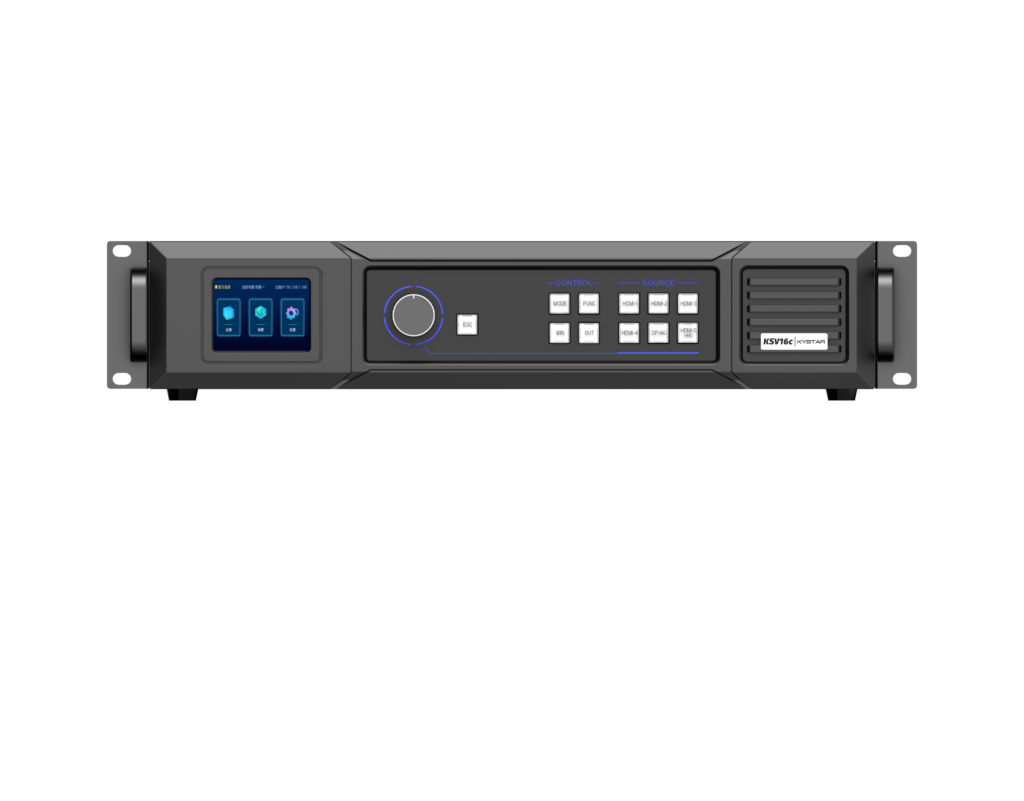
Quiet start — why a user-centred view matters
I often pause before a project begins, thinking about the person who will actually connect the hardware and press play. That quiet thought shapes every recommendation that follows. For many integrators the first step is choosing an LED video controller, but the real decision is about workflow: how a sending card, the LED driver, and content pipeline will fit the operator’s skills and the venue. Practicality beats specs alone; familiarity with pixel mapping and refresh rate avoids late-night troubleshooting in venues like Times Square where big screens tolerate no surprises.
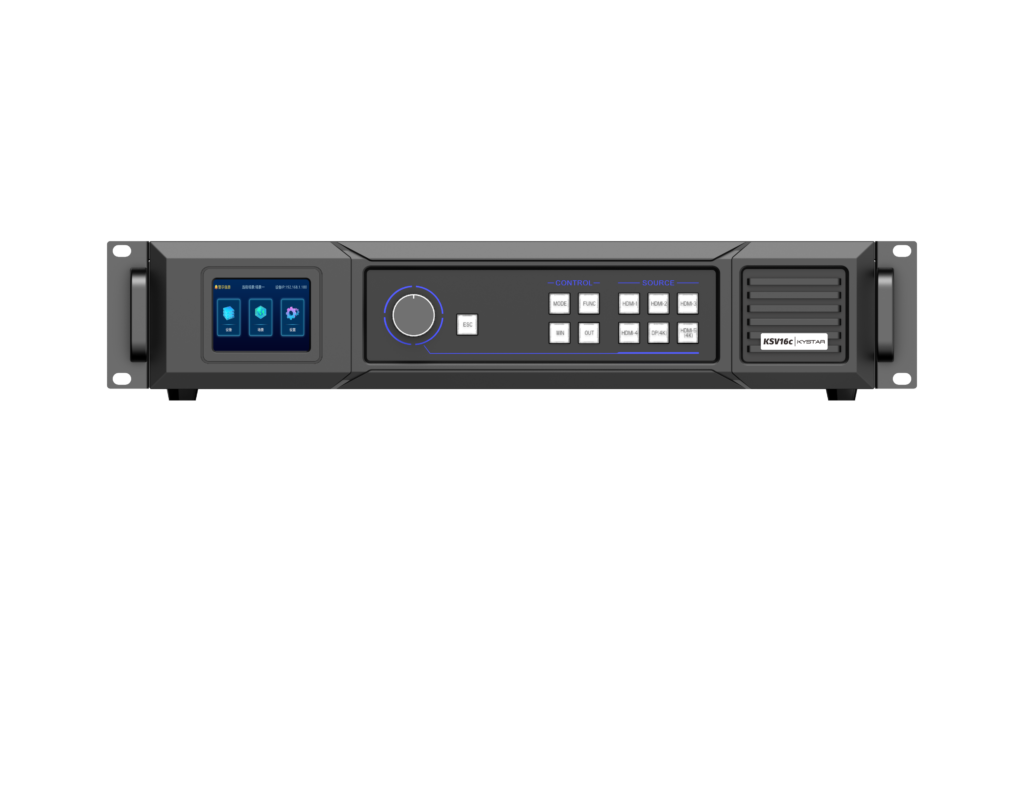
Common user pitfalls and how to avoid them
Users tend to focus on resolution numbers while overlooking signal chain details. Pixel mapping errors, incompatible firmware, and overlooked grounding issues are routine causes of visible artifacts. Begin with a simple checklist: confirm pixel pitch and mapping strategy, verify the supported refresh rate, and match sending card outputs to the chosen video processor. Expect a learning curve — but plan for it. Small habits save hours on site.
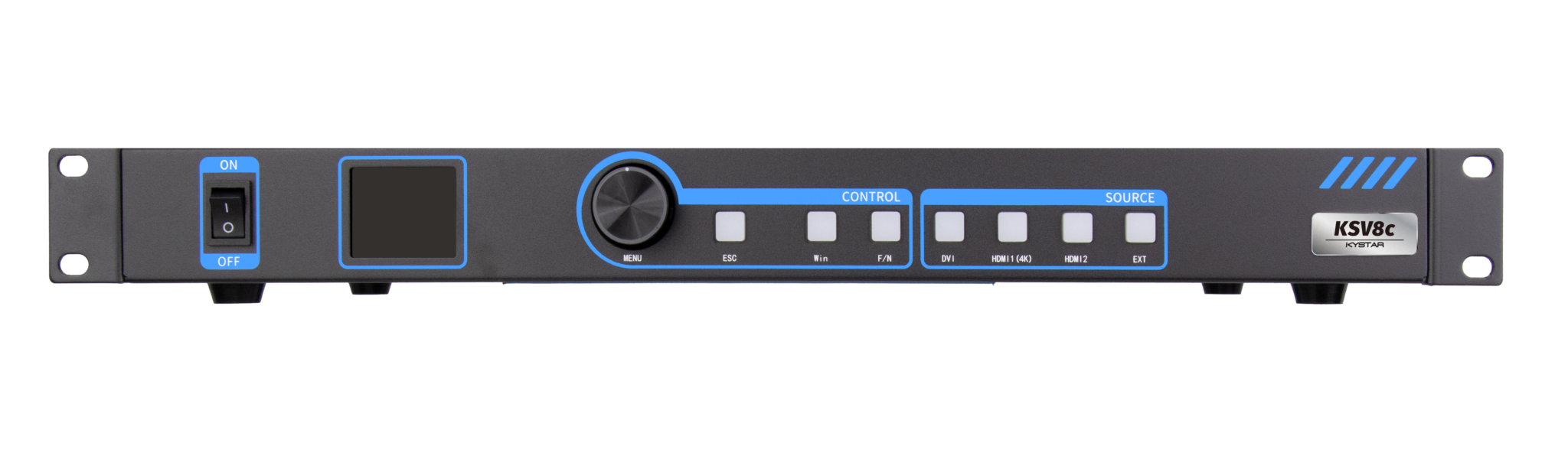
Operational teardown: a practical path from design to deployment
Break the system into three actionable layers: source, controller, display. At source, confirm codec and frame rate. At controller, select a sending card or an all in one controllers solution that matches your I/O and supports pixel mapping and grayscale control. At display, check LED module wiring, LED driver compatibility, and calibration needs. In a real-world teardown you’ll log firmware versions, note supported protocols (DMX or Ethernet-based), and document power distribution. That record becomes the troubleshooting map used on day one of operation.
Alternatives and trade-offs worth considering
There are three common approaches: modular sending cards plus separate video processor; compact all-in-one units; or cloud-managed controllers for remote content. Modular setups offer fine-grained control and easier field swaps. All-in-one boxes reduce cabling and configuration time but can lock you into a single firmware path. Cloud systems simplify updates but add network dependency. Choose based on who will run the system: technicians who value granular control often pick modular; venue operators who need reliability and simplicity usually prefer integrated kits.
Support, testing, and the human factor
Real on-site testing is non-negotiable. Run a full calibration pass with test patterns, confirm grayscale linearity at multiple brightness levels, and stress the network with sustained frame changes. Document outcomes and keep a quick-reference guide for operators — small notes on wiring labels and firmware restore points reduce panic during live events. I’ve seen crews salvage a launch with a single line in a cheat sheet; it’s the quiet wins that matter. —
Three golden rules for choosing the right tool
1) Compatibility over novelty: Confirm physical I/O and protocol support first. Ensure the sending card or all-in-one controllers interface cleanly with your LED driver and playback server. 2) Supportability and firmware clarity: Prefer vendors with clear firmware update paths, changelogs, and remote diagnostics. Look for recoverable boot modes and documented rollback steps. 3) Operational ergonomics: Match the tool to the user. If your team is small or shifting, favor solutions that reduce setup time and require minimal daily configuration.
These metrics translate into fewer callouts, predictable commissioning time, and smoother shows — and for projects that demand dependability, find a partner who documents both the technical choices and the human processes. When the decision narrows to a trusted supplier that combines product depth with clear field guidance, the result is less firefighting and more confident operation. Kystar. –