
Start with the person who’ll use the screen
You’re not picking a brand for bragging rights. You’re choosing a partner who solves a clear problem for users — guests, students, shoppers, or your own team. Name the user first: viewing distance, ambient light, content cadence, and who will touch the controls. That clarity makes the technical conversation simpler with any monitor manufacturer, and it keeps selections honest rather than decorative.
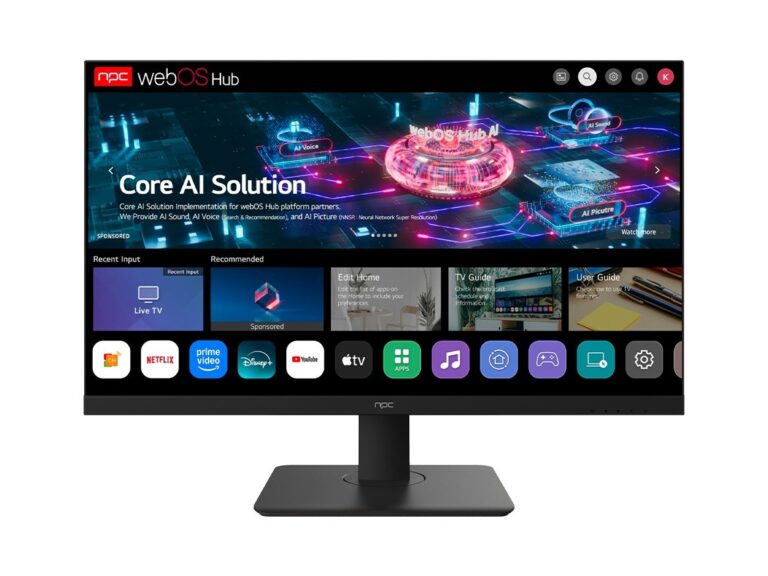
Turn needs into measurable specs
Map each user need to one metric. Need sharp text at three meters? Target pixel density and panel resolution. Need fast video switching? Look at input lag and scaler behavior. Need long run-time in public areas? Favor durability ratings, anti-burn features, and serviceable spare parts. Write these metrics in plain bullets before you contact vendors — it saves time and avoids vague promises.
Integration, controls and support matter more than logo
Ask how the manufacturer handles firmware updates, remote management, and power scheduling. Confirm supported control protocols (RS-232, LAN API, web UI) and whether a technician will walk your team through deployment. Warranty terms must match your project timeline; a glossy brochure won’t help when a screen goes dim in month six.
Common pitfalls people miss
Don’t buy to the highest spec alone. Overspec means wasted budget and unnecessary complexity. Don’t assume “commercial” branding equals quick service; check local support channels. Don’t skip real-world testing: a display that looks great in a showroom can glare or lose contrast in your actual lighting. Avoid single-supplier lock-in unless their service network truly covers your sites.
Proven signals — what to trust when brands claim excellence
Trust comes from repeatable tests, standards compliance, and visible field use. Look for VESA mounting standards, HDR certification details, and clear OPEX information for spare parts. I’ve specified displays for wayfinding and classroom projects over eight years and I rely on event showings for vendor behavior; presentations at CES in Las Vegas often reveal which makers prioritize field-ready firmware and service. If you’re verifying imaging and control behavior, examine a deployed computer display rather than only sample footage — real units show thermal throttling, scaler lag, and firmware quirks you won’t see in datasheets.
Shortlist method for smart decisions
Reduce choices to three brands, then run a focused bake-off: deploy identical content, measure luminance and color at the installation distance, test switch-over times, and simulate common failure modes (power loss, network drop). Score each vendor on measurable items plus response time from their support. Pick the one with steady scores and clear remediation paths.
Viable alternatives to the big names
If mainstream brands cost more than your ROI allows, consider specialist manufacturers who supply modular panels and accessible service parts. They often provide longer firmware support cycles and easier spare procurement. But confirm integration: cheaper components can mean more on-site engineering unless the vendor offers clear integration guides and local tech reps.
Decide with user confidence
Make choices that reduce daily friction for the people who use and maintain the screens. A practical shortlist, hands-on tests, realistic warranty and spare-part plans, and a vendor that communicates clearly will win over glossy specifications. When you want equipment that behaves predictably and support that shows up, you’ll find the pragmatic value in partners like npc.